Quickstart
New to Struction? Here’s the fastest path from a fresh account to a scoped, bid-ready project. Most teams are through it in one sitting.
2 minApplies to: MapFeedback →
The five things to remember
Everything in Struction comes back to these five ideas. Remember just this much and you’ll be fine:
- Your documents are here. Every drawing, spec, and bid document you upload is the source information for the maps.
- Your scopes come from your drawings and specs. Struction reads your documents and writes a first-draft scope of work for each trade.
- Every output has a source. Any item, quantity, or risk can be traced back to the exact page it came from.
- And every source is connected. Scopes, drawings, specs, and issues are linked by their relationships, so you can always see what affects what.
- Chat is your partner. Anything you can do by clicking, you can also ask chat to do.
Your first session
- Create or open a project. Upload your drawings, specs, bid documents, and schedules. Struction reads them and labels each one.
- Let it process. Struction studies the documents, organizes them by discipline, and writes a first-draft scope of work for each trade — about an hour for a typical project.
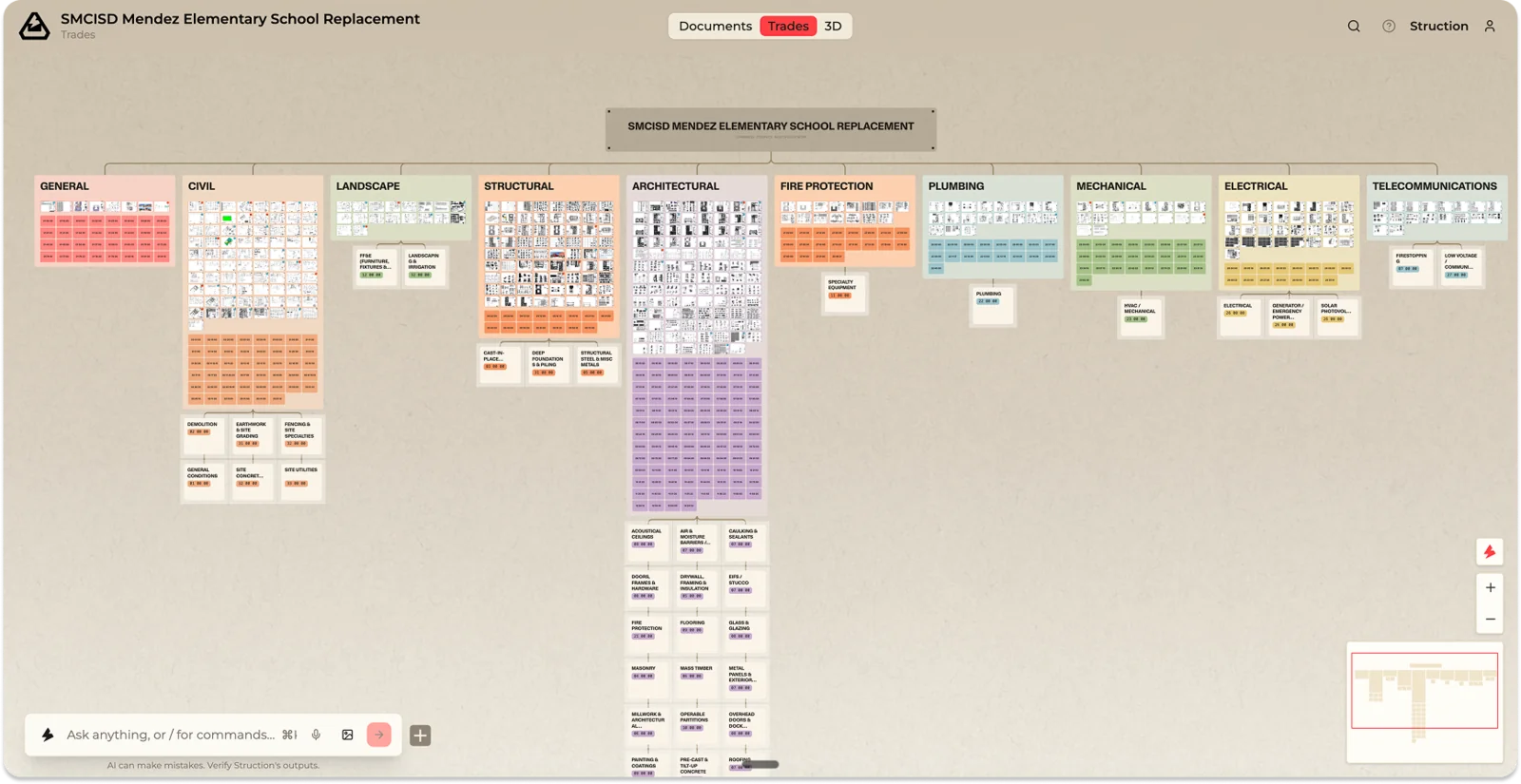
- Land on the Trade Map. Your home base: a map of the whole project organized by who does the work.
- Zoom in to orient. Zoom out to see every discipline and its scopes; zoom in to see individual sheets, scopes, and the chips that mark risks and RFIs. Double-click any element to make it full-screen.
- Open a Scope of Work. Review its items and check the Sources on a few — every item points back to the drawing or spec page it came from. Click “Verify?” to approve an AI-generated item.
- Ask chat a question. Try something specific, like “What are the biggest risks in the Mechanical scope?”
- Look at an issue. Click a risk or RFI chip to understand it and decide what to do.
- Export when ready. When your scopes look right, export them to Excel to send to subcontractors or attach to your ITBs.
Was this page useful?Stuck? help@struction.com
More docs